

gyrodial
by Andrew
A palm-sized round dial for Windows: ESP32-S3 firmware plus a tray app for volume, media, a trackpad, Claude and Claude Code approvals.
Set up an Ember puck from the browser: plug in over USB to change brightness, sound, Wi-Fi and location.
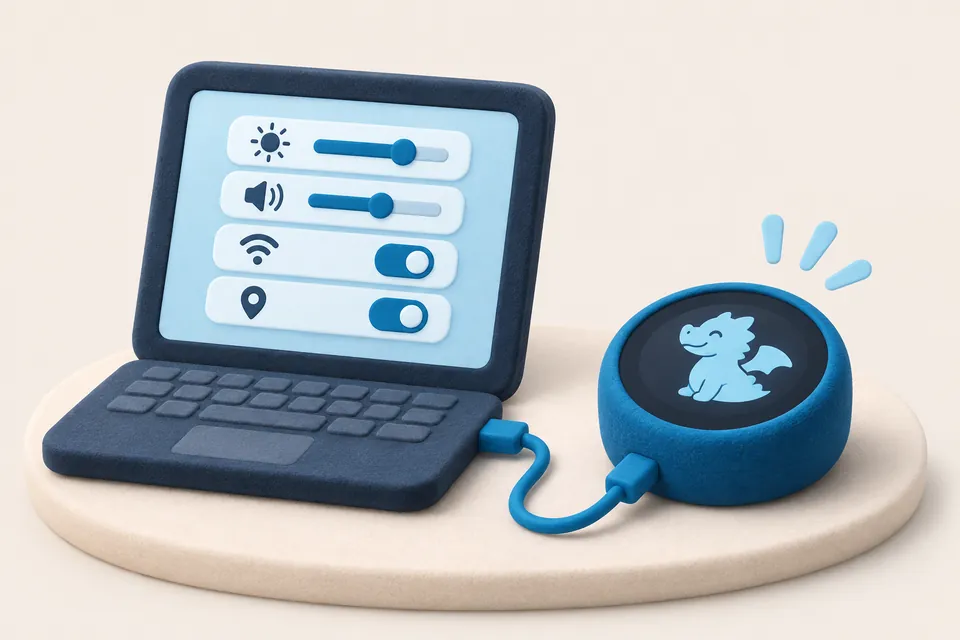
Ember is software for a palm-sized round puck with a 1.75-inch touch screen. You turn, tap, swipe, hold and tilt the puck, and it runs over thirty small apps, from a focus timer and a breathing guide to games and a pet dragon that grows up with you.
This site is Ember's home in the browser. The settings page talks to the puck over USB with Web Serial in desktop Chrome or Edge, so you can change its setup without reflashing. There is also an app store, a guide for makers who want to flash the firmware and write their own apps, and release notes.
by Andrew
A palm-sized round dial for Windows: ESP32-S3 firmware plus a tray app for volume, media, a trackpad, Claude and Claude Code approvals.
by Adrian
A hands-on explainer of DNS ad blocking on a tiny ESP32-C3 board, with board comparisons and the trade-offs.
by Richard
Design Christmas card fronts for a pen plotter to draw, try them out and pin comments on anything.